
Process
The work behind
the world.
Every OniArt piece begins with an idea — a scene, a mood, a character, or a place that feels worth exploring.
The finished image may be digital, but getting there is a process of inspiration, direction, experimentation, selection and refinement.
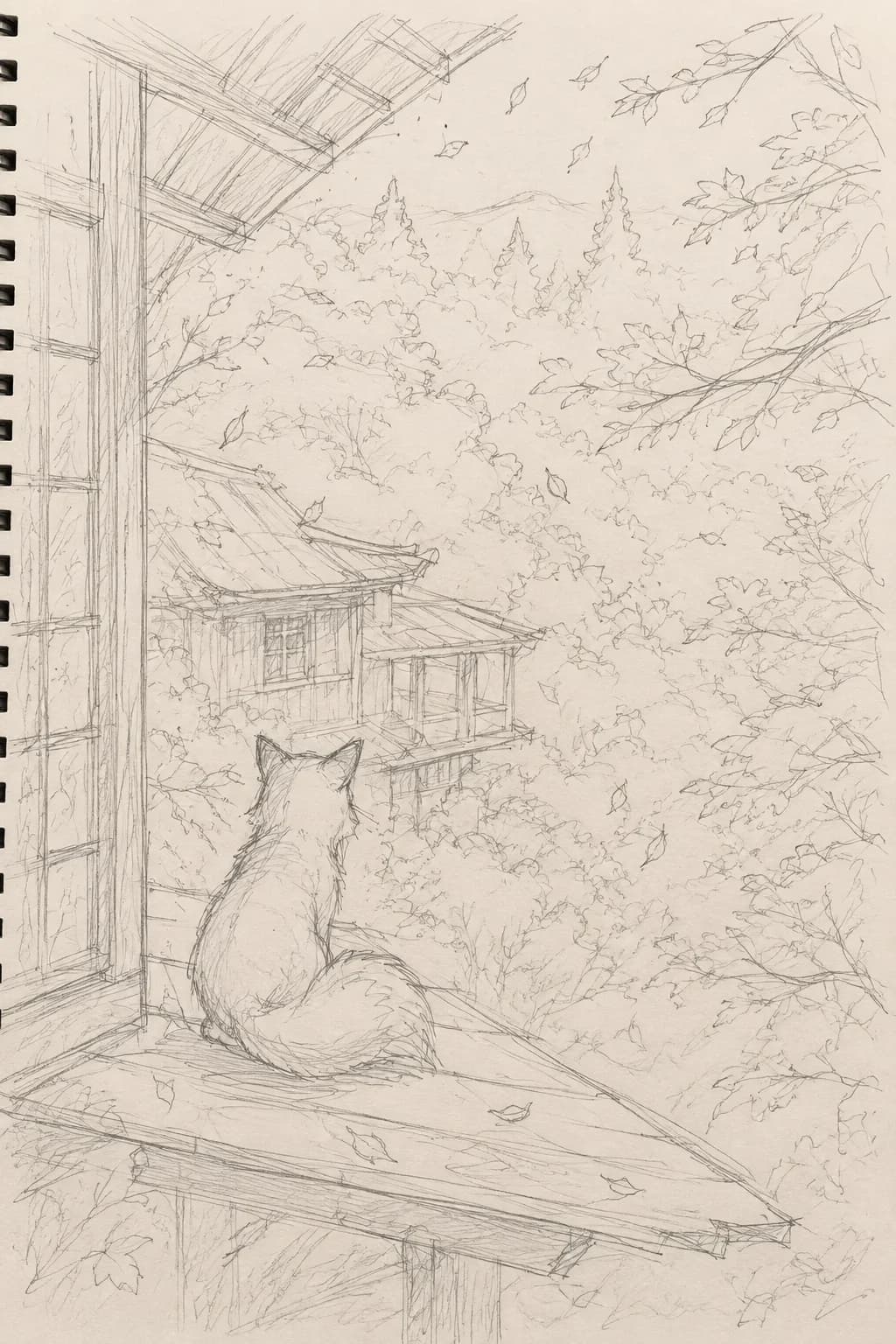
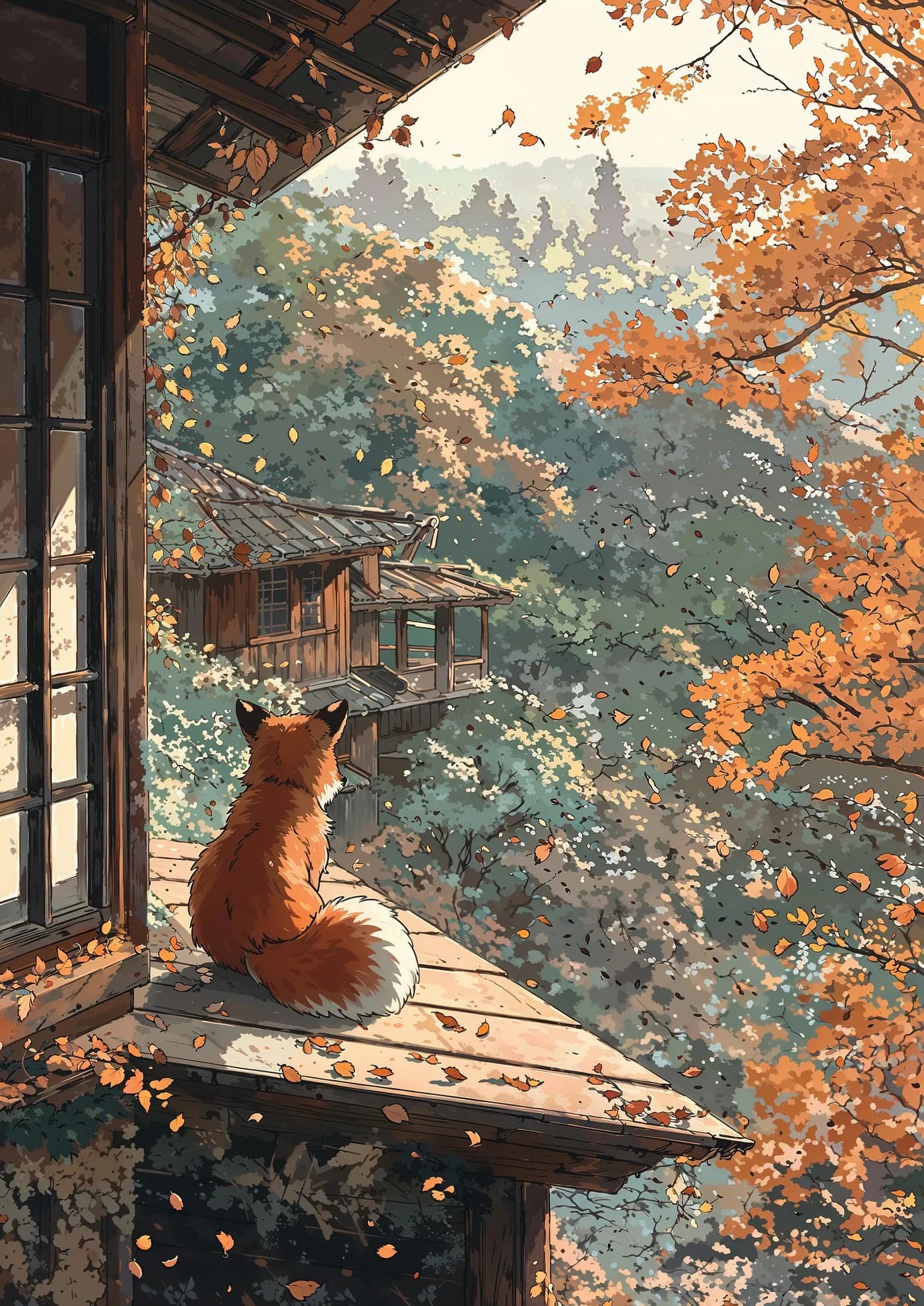
01 Inspiration
It starts with something that stays with me.
Ideas can come from anywhere.
I find inspiration through TikTok, Pinterest, artwork, photography and other corners of the web — sometimes it is a colour palette, sometimes a character, an atmosphere or simply the feeling behind an image.
Rather than recreate a single reference, I bring different influences together and begin imagining a new scene around them.
02 Building the scene
Before there is an image, there is a world.
I start with a rough idea and build outward from it.
The environment. The character. The lighting. The colours. The atmosphere. The story behind the moment.
Through prompting, I gradually describe and direct the scene I am trying to create.
“I paint the scene through the prompt.”
The goal isn't simply to produce an attractive image. It is to find something that captures the world I had in mind.
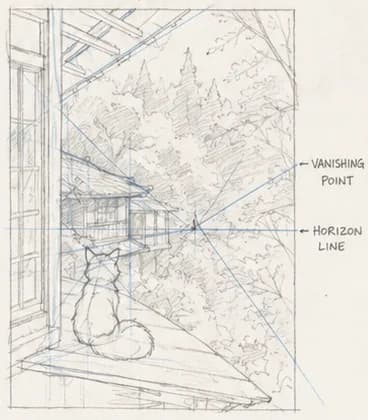
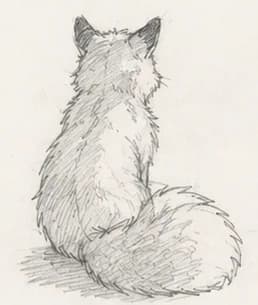
03 Exploration
The first image is rarely the one.
10–20generations for a typical concept
A concept will often go through 10–20 different generations while I explore how it could look.
Composition changes. Lighting changes. Characters change. Sometimes the entire direction changes.
Some results are interesting but wrong. Others get close without quite capturing the idea.
I keep exploring until one feels like the image I was trying to find.
04 Selection & refinement
Generation creates possibilities. Selection decides what survives.
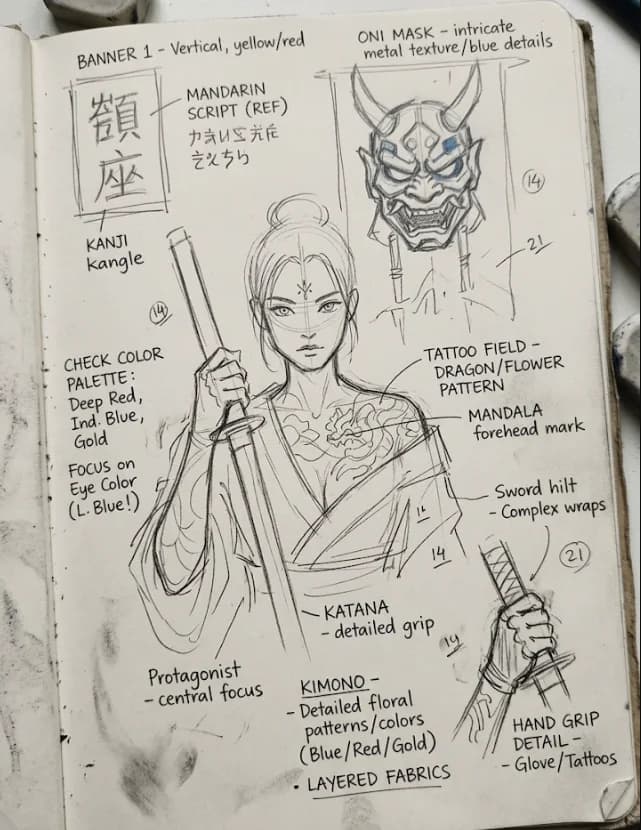
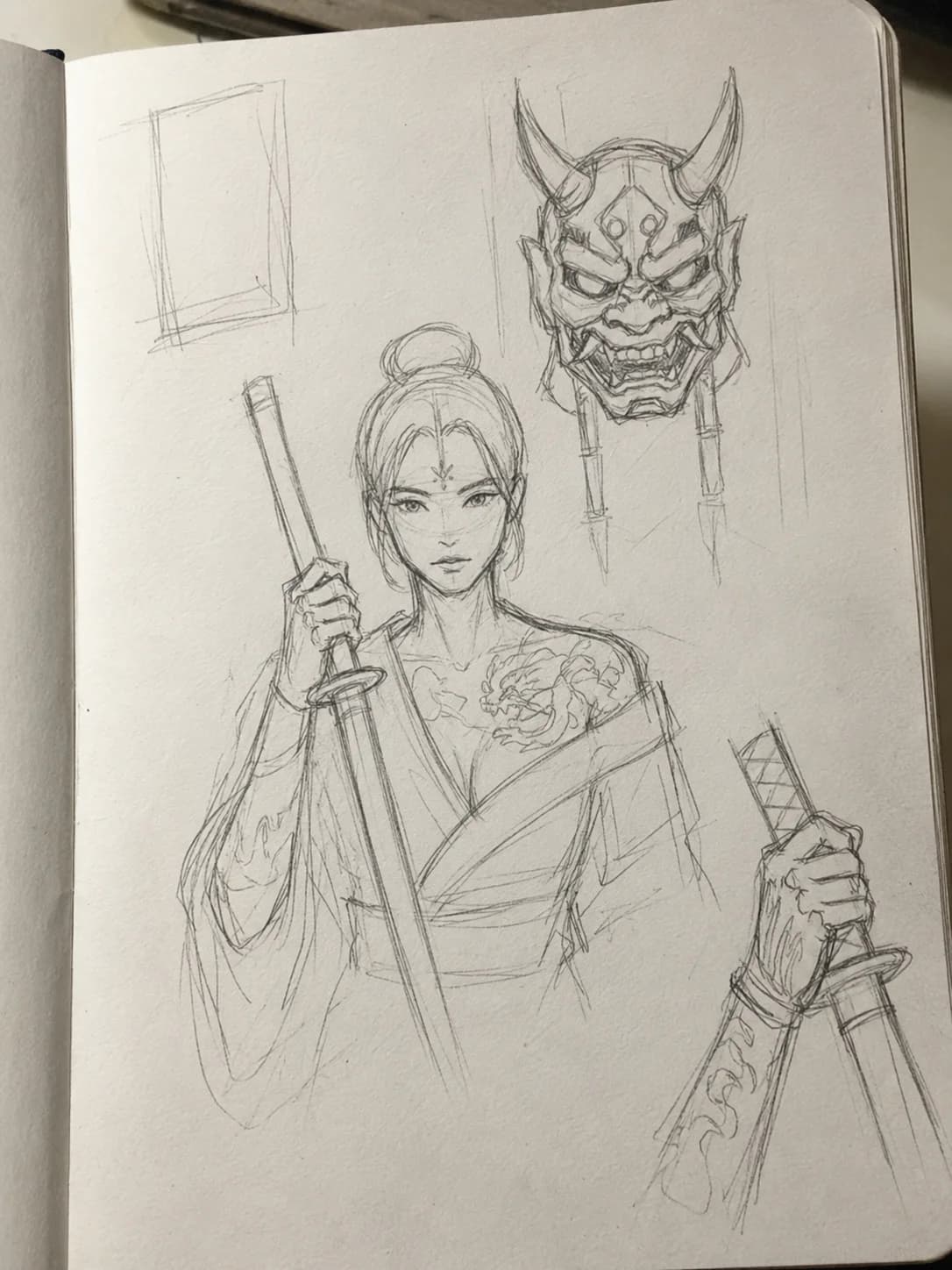
Once I find the strongest version, the process moves into Photoshop.
I correct visual problems and bad anatomy, clean up areas that distract from the image, adjust colour and grading, and refine the overall presentation.
Not every image needs exactly the same corrections. The work depends on what the individual piece needs.
05 Final detail
The last pass happens up close.
The artwork is upscaled and reviewed at higher resolution.
From there, I work on finer details and any remaining areas that need attention before preparing the final image.
Only then does it become part of OniArt.
Tools & transparency
Digital tools are part of the process.
Generative AI is one of the tools I use to develop OniArt.
My workflow has included ComfyUI, Midjourney and other digital tools, alongside Photoshop for correction, colour work and refinement.
The technology helps me explore possibilities. The concept, direction, selection and decision about what ultimately becomes an OniArt piece remain part of my creative process.
See the finished worlds
Explore Artwork